 info@sweetrich.cn
  +86-(0)512-82283871
Content
- 1 Understanding the Role of the Control Interface
- 2 Traditional Steering Wheel and Tiller Arrangements
- 3 Practical Experiences with Steering Wheel Controls
- 4 Adjustments and Refinements to Steering Systems
- 5 Emergence of Joystick Control Options
- 6 Daily Use and Adaptability of Joystick Interfaces
- 7 Integration of Digital Displays
- 8 Touch-Sensitive Control Surfaces
- 9 Voice-Activated Control Features
- 10 Gesture Recognition Capabilities
- 11 Modular Approaches to Control Design
- 12 Safety Elements Within Control Interfaces
- 13 Protecting Controls from Environmental Factors
- 14 Customization for Personal Comfort
- 15 Training and Building Familiarity
- 16 Routine Care and Maintenance
- 17 Influence of User Feedback on Development
- 18 Broader Lifestyle and Social Benefits
- 19 Ongoing Evolution of Control Interfaces
- 20 Selecting a Suitable Control Interface
- 21 Sweetrich Mobility
Mobility scooters give people greater freedom to move through daily life when walking or standing for long periods becomes difficult. Whether heading to the local shops, spending time in a park, or visiting family, these vehicles support independence in familiar surroundings. The control interface forms the direct link between the rider and the scooter's movement, especially when produced by a dedicated Mobility Scooter Factory. It influences how easily someone can steer, adjust speed, and respond to changing conditions. Over time, control designs have developed gradually as users shared their experiences and needs evolved.
Understanding the Role of the Control Interface
The control interface translates a rider's intentions into motion. It handles direction changes, speed adjustments, and stopping. A well-designed interface feels natural, allowing attention to stay on the path ahead rather than on operating the machine. Different riders bring different levels of hand strength, coordination, vision, and energy throughout the day. Control systems therefore need flexibility to support a range of abilities and environments, from quiet indoor spaces to outdoor pavements.
Early interfaces relied on direct mechanical connections that many people still find comfortable and reliable. These setups gave immediate physical feedback through the hands, creating a sense of connection similar to steering a bicycle or small vehicle. The straightforward layout helped build confidence during initial use because movements produced predictable results.
Traditional Steering Wheel and Tiller Arrangements
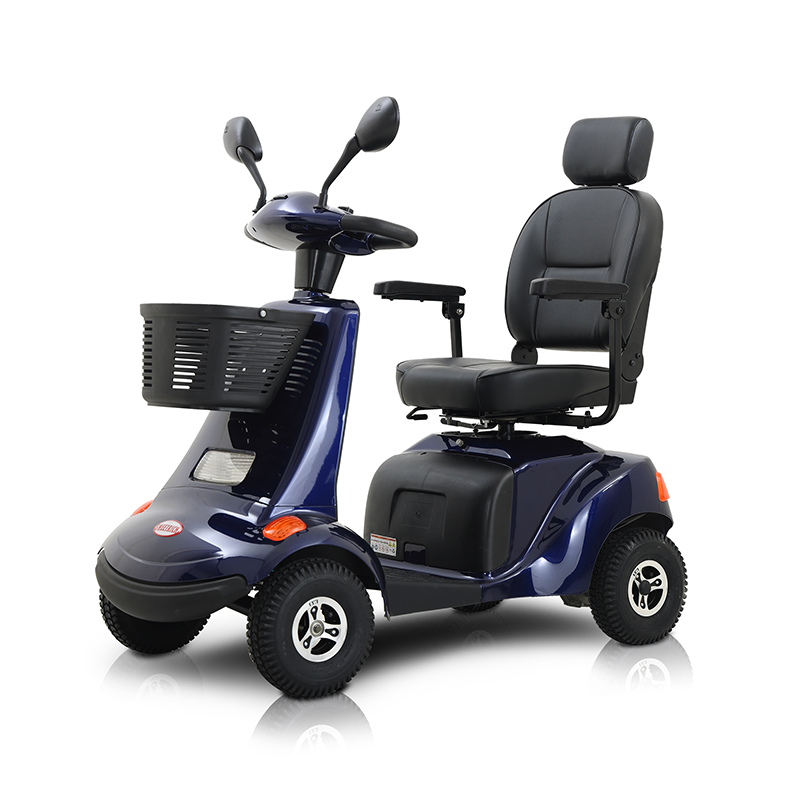
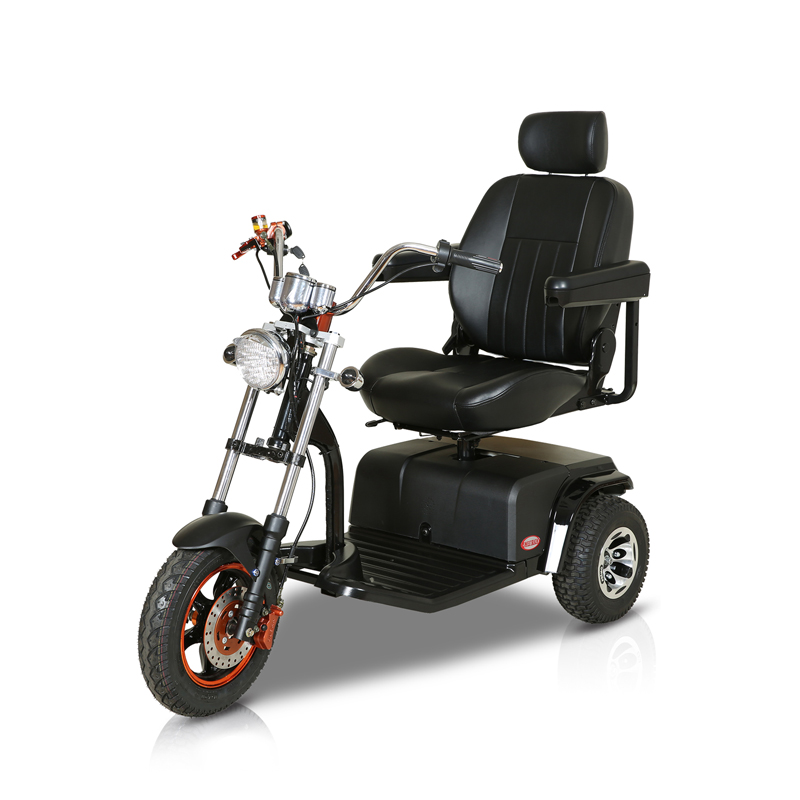
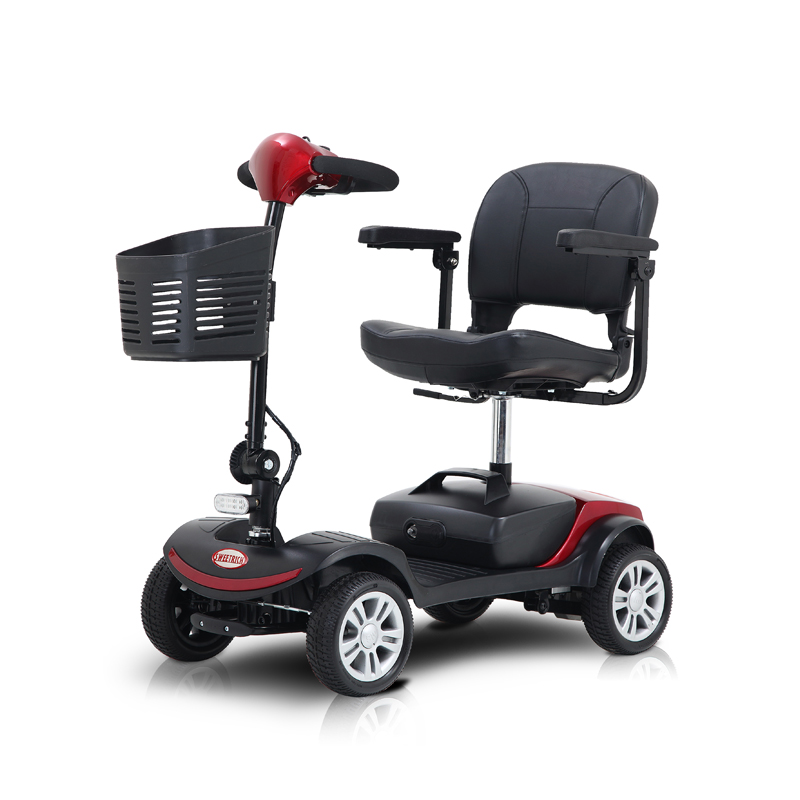
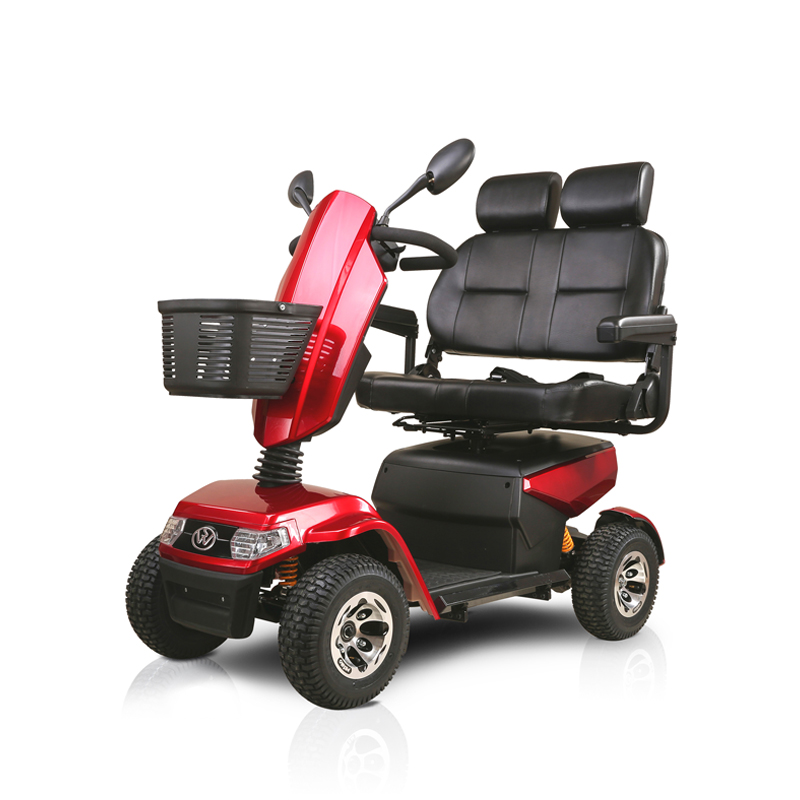
In many scooters, a steering wheel or tiller-style handlebar connects to the front wheels. Riders turn the handle left or right to change direction and use a grip or lever to control forward motion and braking. This arrangement offers a direct feel that suits riders who prefer familiar sensations. The physical linkage means small hand adjustments produce corresponding changes in direction or speed without additional electronic steps.
| Feature | Description |
|---|---|
| Control Type | Steering Wheel or Tiller-Style Handlebar |
| Steering Mechanism | Turn handle left or right to change direction |
| Speed & Braking | Grip or lever controls forward motion and braking |
| Key Benefit | Direct physical feel with immediate response, no electronic delay |
Such controls often work smoothly on relatively straight paths or open areas where obstacles appear with enough warning. The simplicity reduces the number of elements to learn, which can make early outings less overwhelming. Maintenance tends to involve basic tasks such as checking connections and keeping moving parts clean and lubricated. Many users appreciate the mechanical reliability that does not depend on electronic components for core steering and speed functions.
Practical Experiences with Steering Wheel Controls
Riders frequently mention that steering wheel systems feel reassuring in everyday outdoor settings with gentle slopes or flat surfaces. The direct feedback through the hands helps with precise adjustments when navigating around people or obstacles. For individuals who enjoy a driving sensation close to that of a car or bicycle, this type of control supports longer periods of comfortable use.
At the same time, some situations highlight limitations. Tight indoor spaces, crowded walkways, or frequent direction changes can make larger arm movements tiring. Hand fatigue sometimes appears after extended time outdoors, especially when grip strength varies. These observations led designers to explore ways of reducing physical effort while maintaining control accuracy and predictability.
Adjustments and Refinements to Steering Systems
Designers introduced changes to make steering wheel controls more comfortable for wider groups of users. Adjustable height and angle settings allow riders to position the handlebar according to their posture and reach. Ergonomic grip shapes help distribute pressure more evenly across the palms, easing strain during longer outings. Throttle mechanisms that respond to lighter touch create smoother acceleration and deceleration.
These refinements keep the familiar mechanical feel while addressing common feedback about comfort. Many riders discover they can extend their time away from home with less discomfort in the hands and wrists. The updated steering wheel arrangements continue to serve as a practical choice for those who value direct, hands-on control.
Emergence of Joystick Control Options
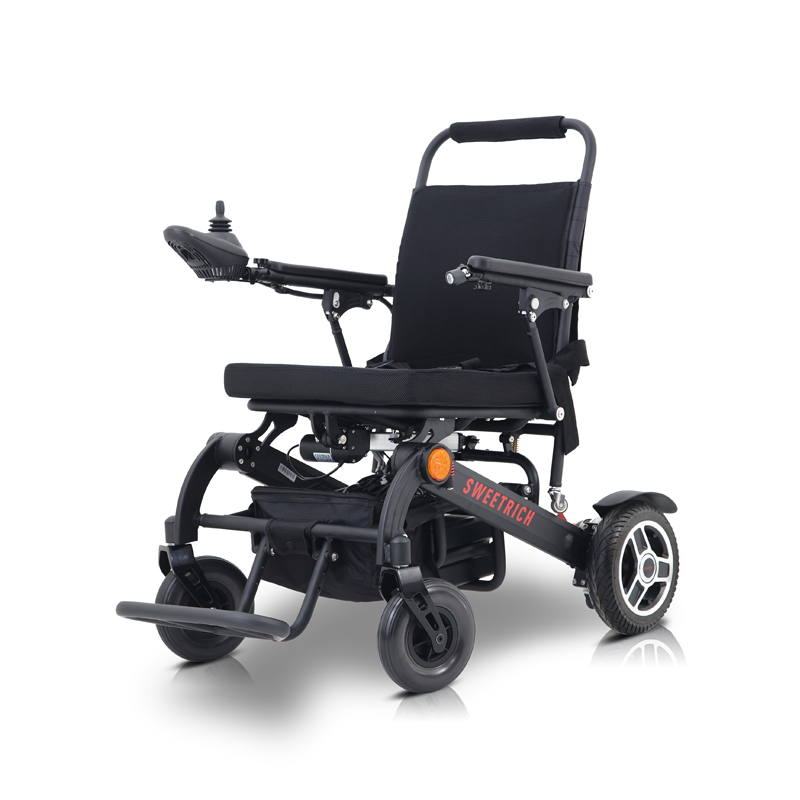
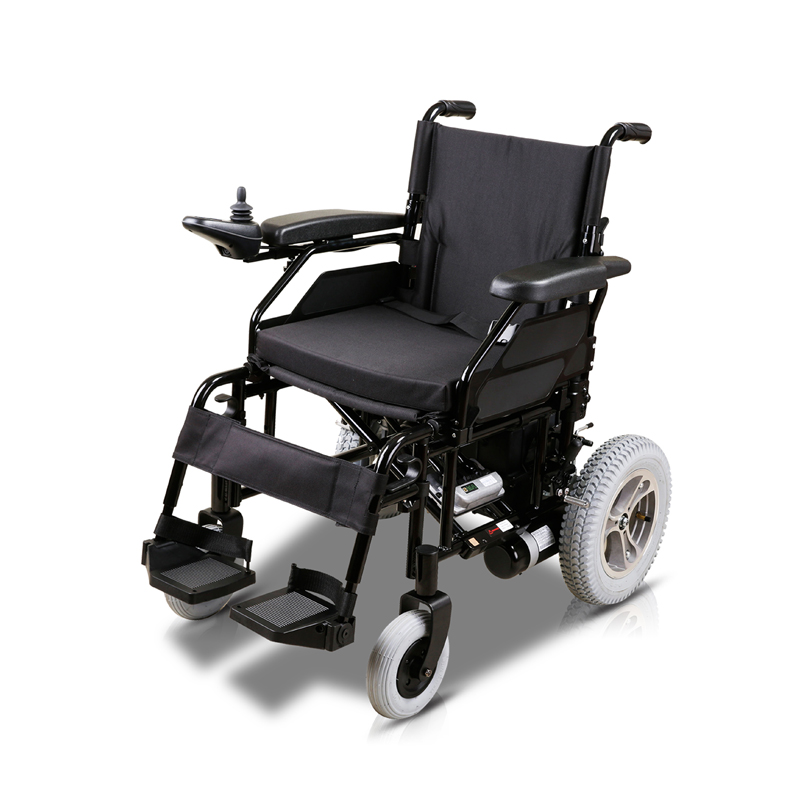
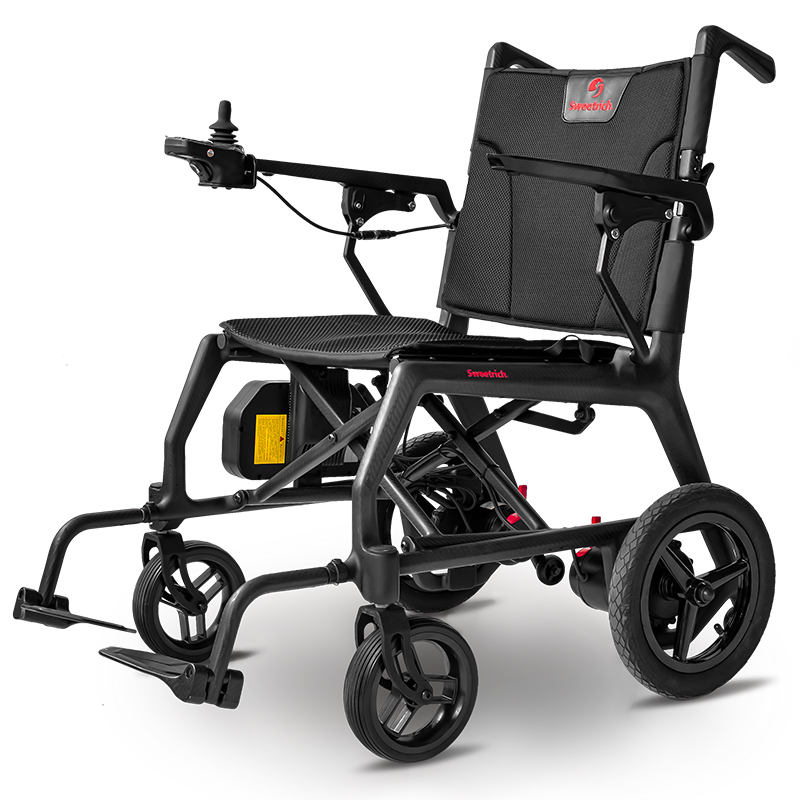
Feedback about hand fatigue and reach difficulties encouraged the development of joystick-style controls. A joystick mounted on an armrest or central console moves in different directions to manage both steering and speed. Gentle forward pressure increases velocity, while side-to-side movement handles turns. The stationary position relative to the seat reduces the need to reach for a moving handlebar, which helps riders with limited shoulder or arm mobility.
Many individuals with reduced dexterity find that small wrist or finger motions suffice for control. Additional buttons placed near the joystick allow operation of lights, horn, or other functions without shifting the hand away from the main control. This layout supports focus on the surroundings rather than locating separate switches.
Daily Use and Adaptability of Joystick Interfaces
Joystick controls often suit environments with frequent turns or limited space, such as inside homes or busy shopping areas. The compact movements required can lessen fatigue during routine activities. Sensitivity adjustments, performed with assistance from caregivers or therapists, help match the response to individual needs—gentler for new users or more direct for those with experience.
Riders commonly note that joystick operation becomes natural after short practice sessions in open spaces. The control begins to feel like an extension of natural hand movements rather than a separate task demanding constant attention.
Integration of Digital Displays
Information displays appeared alongside both steering wheel and joystick systems to provide helpful feedback without distracting the rider. Screens show battery condition, selected speed range, and simple direction indicators using clear symbols or large characters. Riders can check essential details with quick glances while keeping primary attention on the path.
Displays connect directly to the control system so setting changes appear immediately. Adjustable brightness helps visibility in varying light conditions, from bright daylight to indoor spaces. Some versions rely on icons rather than text to support users with different levels of vision.
Touch-Sensitive Control Surfaces
Touch-based interfaces offer another approach. Riders tap or swipe on a flat panel to select functions or adjust settings. Raised edges or subtle vibration feedback confirm commands for those with reduced sensation or vision. The smooth surface demands minimal force, which benefits individuals experiencing joint stiffness.
Touch panels often allow rearrangement of menu items so frequently used controls sit in convenient locations. This personalization helps daily operation feel more intuitive over time. Touch controls work alongside other input methods, giving riders choices depending on the situation or time of day.
Voice-Activated Control Features
Voice commands provide an additional interaction method. Simple spoken instructions can adjust speed, activate lights, or engage signals when hands remain on the steering control. Audible confirmation lets riders know the command registered successfully. Voice features complement manual controls rather than replacing them, offering flexibility during activities where hands stay occupied.
This option supports longer outings or situations involving carrying items. It also assists users who prefer minimal physical contact with controls at certain moments.
Gesture Recognition Capabilities
Some control systems can pick up simple hand movements near the console using small sensors. A light wave or pointing motion can change speed or adjust direction in certain modes. The idea is to cut down on the need to touch anything, which makes things easier for riders wearing gloves or those who have very little movement in their fingers.
Settings can be adjusted so everyday gestures do not accidentally trigger the scooter. Gesture control is just one choice among several, so riders can mix and match whatever feels right for the moment or the surroundings.
Modular Approaches to Control Design
Many scooters are built with parts that can be swapped around. Riders can change from a steering wheel to a joystick or a touch panel depending on how their needs shift over time. Armrests and the console itself can be moved or tilted to line up comfortably with each person's height and seating position.
This kind of flexibility helps people stay independent longer without having to buy a whole new scooter when things change. Checking in on personal needs from time to time makes sure the controls still fit daily routines, even as health or lifestyle gradually evolves.
Safety Elements Within Control Interfaces
A big part of any good control system is making sure the scooter reacts in ways riders can expect. Braking is tied straight to the main control, so letting go of the throttle or bringing the joystick back to center starts a gentle slowdown. Many setups also ease off the speed during turns or when getting close to curbs or obstacles.
These built-in behaviors give riders a sense of trust, knowing the scooter will behave predictably even if their attention shifts for a moment. Steady, reliable responses help lower worry during outdoor trips and make navigation feel safer in all kinds of conditions.
Protecting Controls from Environmental Factors
Being outside means dealing with rain, dust, and changing temperatures. Tough covers and seals around the controls help keep moisture and dirt away from the sensitive parts. A quick wipe-down of the surfaces and an occasional look at the connections go a long way toward keeping everything working smoothly through the seasons.
Simple habits like wiping the console after it gets wet or parking the scooter under cover can make the controls last noticeably longer.
Customization for Personal Comfort
Control systems usually let riders or caregivers set different speed ranges for indoors and outdoors. Helpers can fine-tune how quickly the scooter responds so it feels comfortable for that particular user. Moving the seat or armrests into the right position also reduces strain during longer rides.
| Feature | Description |
|---|---|
| Speed Settings | Adjustable indoor and outdoor speed ranges |
| Response Tuning | Fine-tune acceleration and braking sensitivity |
| Seating & Armrest Adjustment | Move seat and armrests to reduce strain |
These small personal touches help the controls match real-life daily patterns instead of forcing the rider to adjust to a one-size-fits-all setup.
Training and Building Familiarity
New users build confidence by practicing in quiet, open spaces where there is plenty of room. With a bit of guidance, movements start to feel natural and the controls become almost automatic. Family members or support workers can show how a small change in posture or grip affects how the scooter handles.
Regular practice usually brings smoother rides and more enjoyment when getting out and about.
Routine Care and Maintenance
Looking after the controls does not need to be complicated. A quick visual check can spot worn grips, dirty screens, or loose wires before any real trouble starts. Sticking to a simple schedule for cleaning contact points and tightening connections helps avoid sudden glitches.
When small improvements become available from service centres, they can often be added without replacing the whole system, keeping the scooter feeling fresh and easy to use.
Influence of User Feedback on Development
Riders keep sharing what feels comfortable, what works well, and what gets in the way in different situations. Designers pay attention to these real-life stories when they update layouts or try new ideas. The common goal is to create controls that stay quietly in the background so users can focus on their surroundings and the people around them.
Broader Lifestyle and Social Benefits
When the controls work smoothly, it becomes easier to join family gatherings or group outings. Conversations feel more relaxed because less mental energy goes into operating the scooter. Many riders notice they get out more often and stay connected with others once the controls no longer feel like a hurdle.
In this way, thoughtful control design quietly supports a fuller, more active social life.
Ongoing Evolution of Control Interfaces
Control systems keep moving forward with an eye on making things more personal while still keeping operation simple and safe. Future changes may respond even better to each rider's habits and preferences. The main direction remains helping people focus on where they are going and what they are doing rather than on how they are operating the scooter.
Selecting a Suitable Control Interface
Picking the right controls comes down to thinking about regular routes, current abilities, and what might be needed down the road. Trying out different options in actual everyday settings gives a much clearer picture of what feels comfortable and easy to handle. Many places offer trial periods so riders can spend real time with various setups before making a choice.
Taking enough time to test and compare usually leads to a better long-term fit and more reliable daily use.
Sweetrich Mobility
As riders seek a control interface that truly harmonizes with the rhythm of their daily lives, many discover that the blend of simplicity, responsiveness, and adaptability makes all the difference—transforming mere transit into an extraordinary experience of true freedom on the journey. Sweetrich Mobility deeply understands this perspective.
Our meticulously designed mobility scooters artfully combine the familiar comfort of a traditional steering wheel with advanced control options, granting every user unparalleled flexibility: the freedom to choose the control method that feels natural and intuitive in the moment, while remaining fully prepared to gracefully meet any future needs. Rather than piling on technology for its own sake, Sweetrich is dedicated to crafting mobility solutions that quietly safeguard our users' independence—ensuring that every outing feels less like the cumbersome operation of a machine and more like a seamless, natural extension of life itself.